AERONET Instrument Troubleshooting Interface - Solutions for A OR K TOO LOW Flag
Description This flag is triggered when the calibrated radiance from either the A or K detector falls below the expected threshold, indicating the detector is receiving insufficient light. Unlike the A&K Discrepancy flag, this is not about a mismatch between the two detectors but rather an absolute reduction in signal, often caused by a collimator obstruction or misalignment.
Condition(s) Flag calibrated radiance values < 0.3
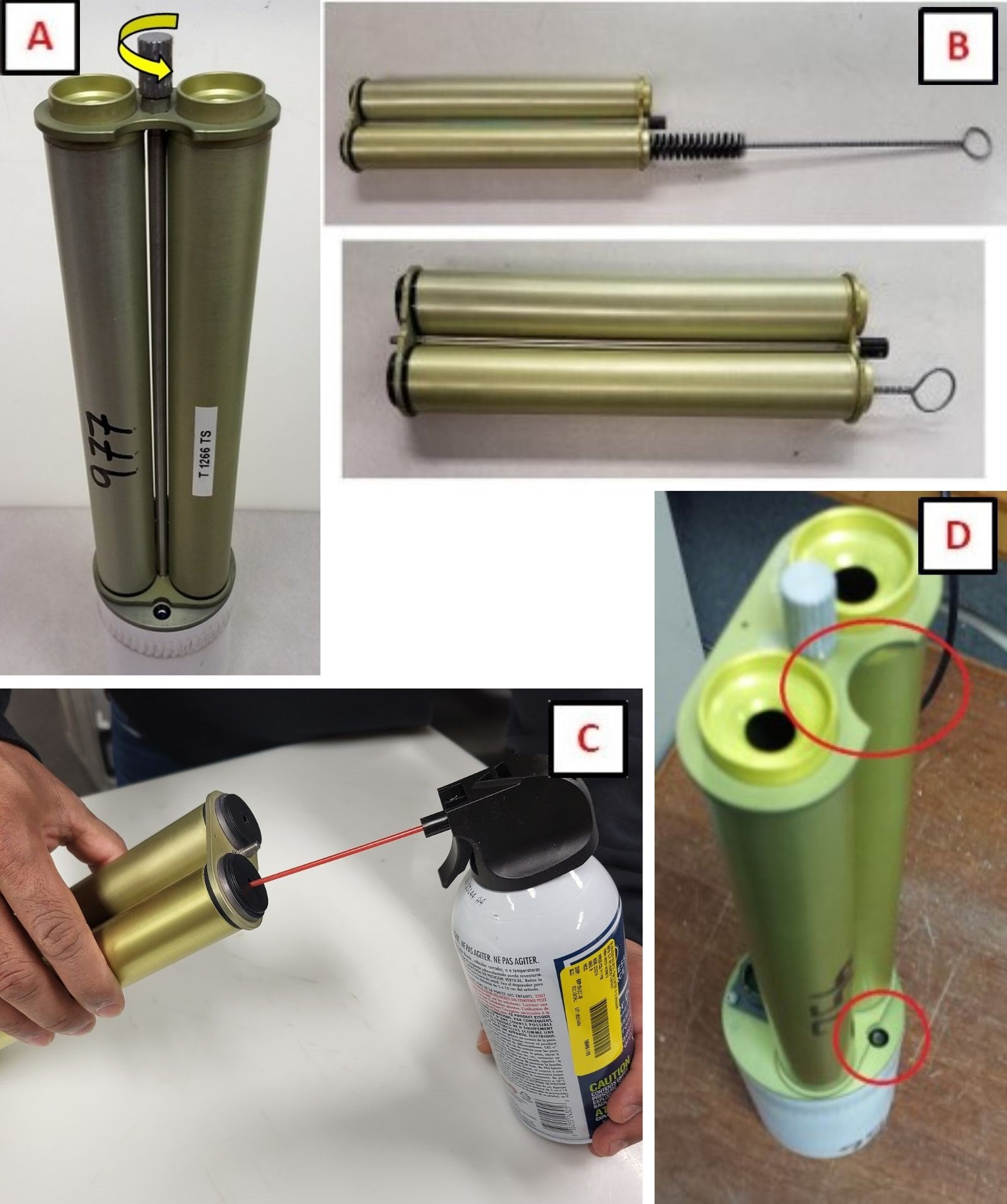
Solution Level 1 (< 5 minutes) It is possible that this flag will be triggered during very clean (low AOD) conditions. 1. Remove collimator and check inside for webs or other obstructions. 2. Ensure collimator is installed in the correct orientation.
Solution Level 2 (more involved) 1. Watch the instrument run a sky scan (almucantar or principal plane) and ensure that the cables do not catch or pull and that the instrument does not droop over time during an almucantar. 2. Run the scenarios PARK and GOSUN (from the SCN or SCENARIOS menu). After PARK the instrument should point towards nadir and the robot claw should be level. After GOSUN the illuminated point should fall within ~1 cm of the pinhole marker. (See Park, Go Sun, Track document for Model 5 and Model T) 3. Inspect the lenses for significant contamination or residue. If found, do not clean. Take a picture and send to AERONET.
Solution Level 3 (last resort) 1. Confirm that the gains have not been changed (ask AERONET) - Model 5 only. 2. Check/reseat the the connector panel and both ends of the sensor head cable. 3. Return instrument for maintenance.